Everything you copy.
Right when you need it.
Pastely quietly remembers your text, links, images and files, then brings them back the moment you need them.
Free and open source. Your history stays on your Mac.
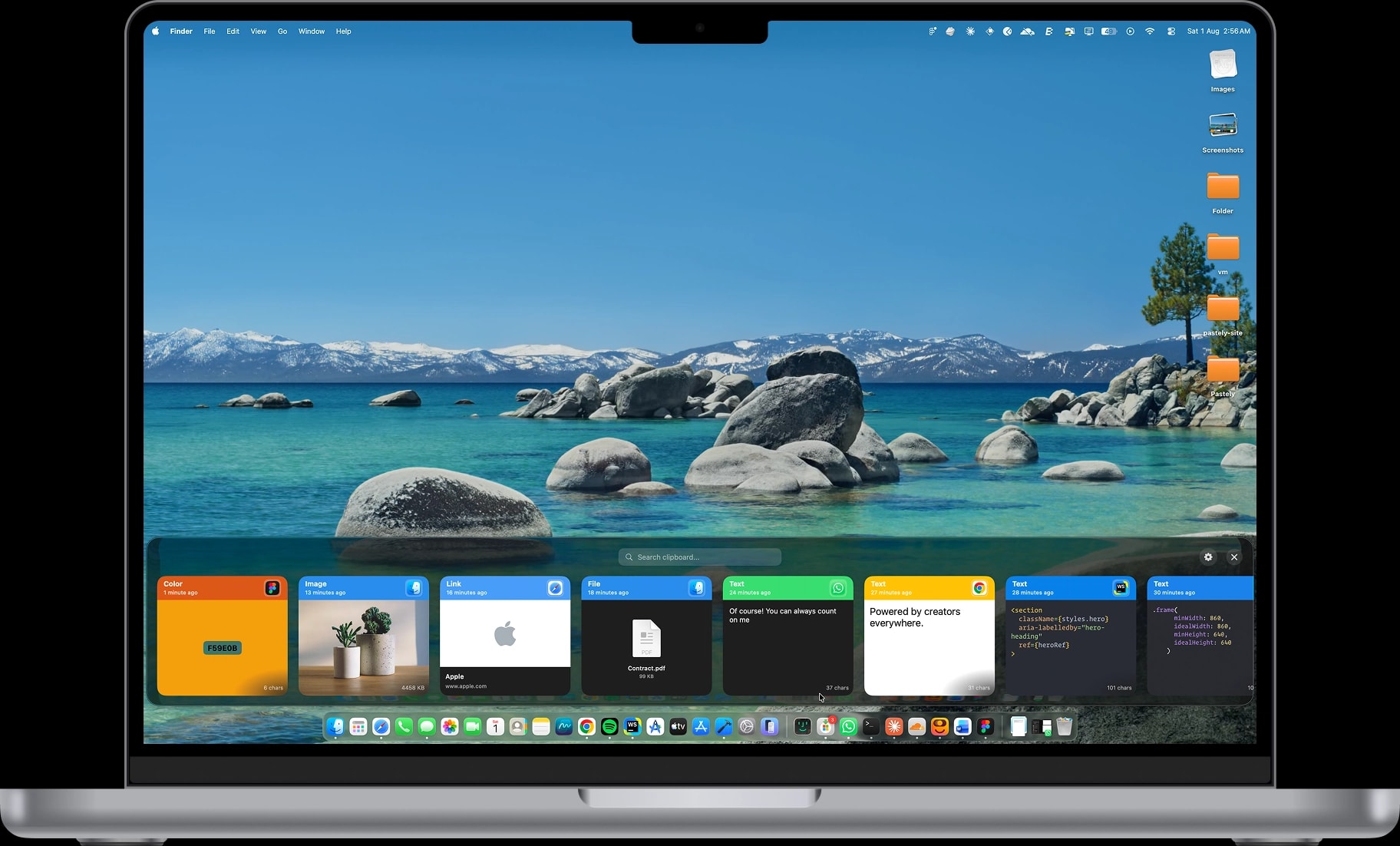
Whatever you copy, Pastely keeps the context.
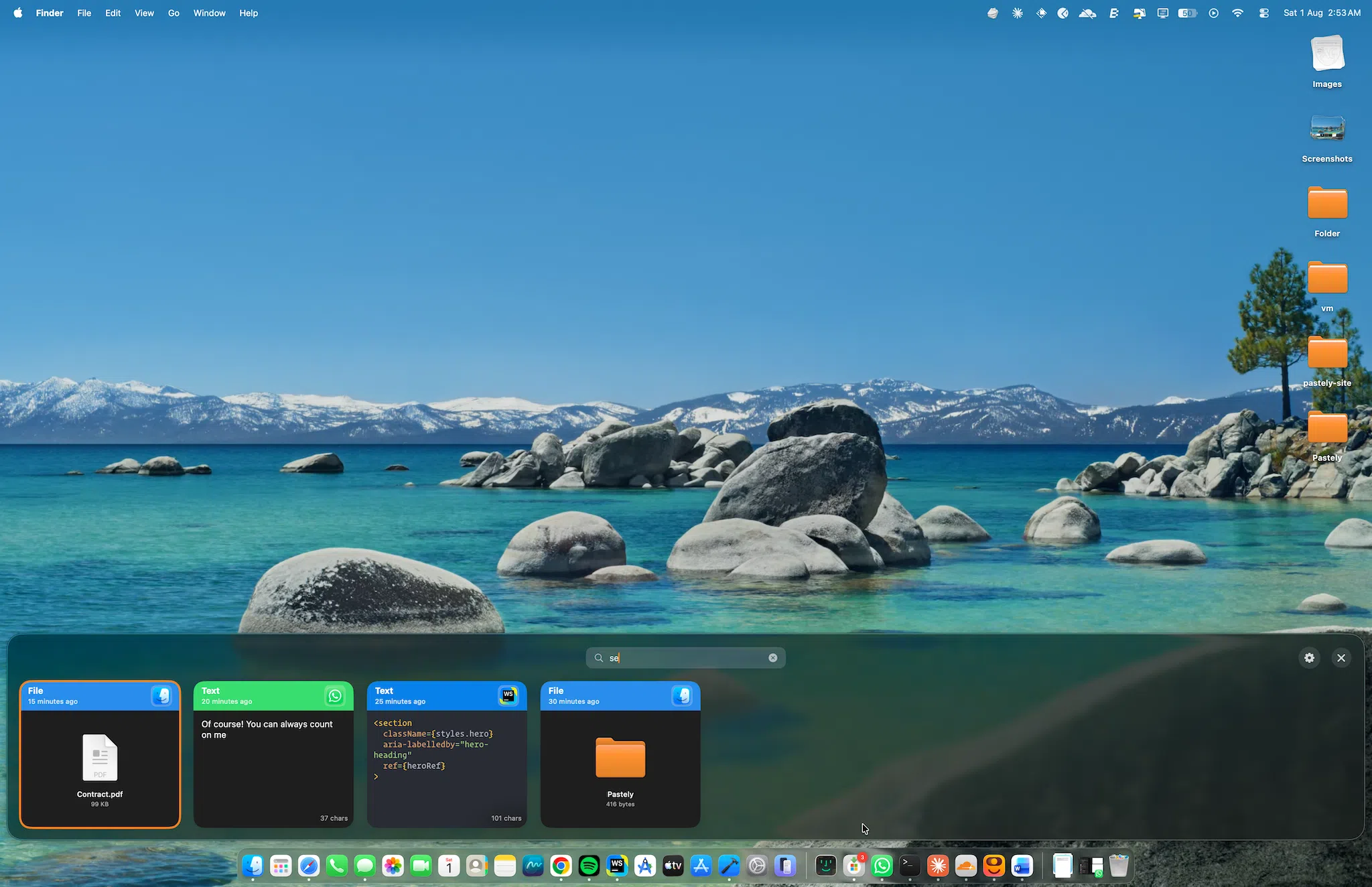
Text, links, images, files, colors and code each get a card of their own, tagged with when you copied them and which app they came from.

Text 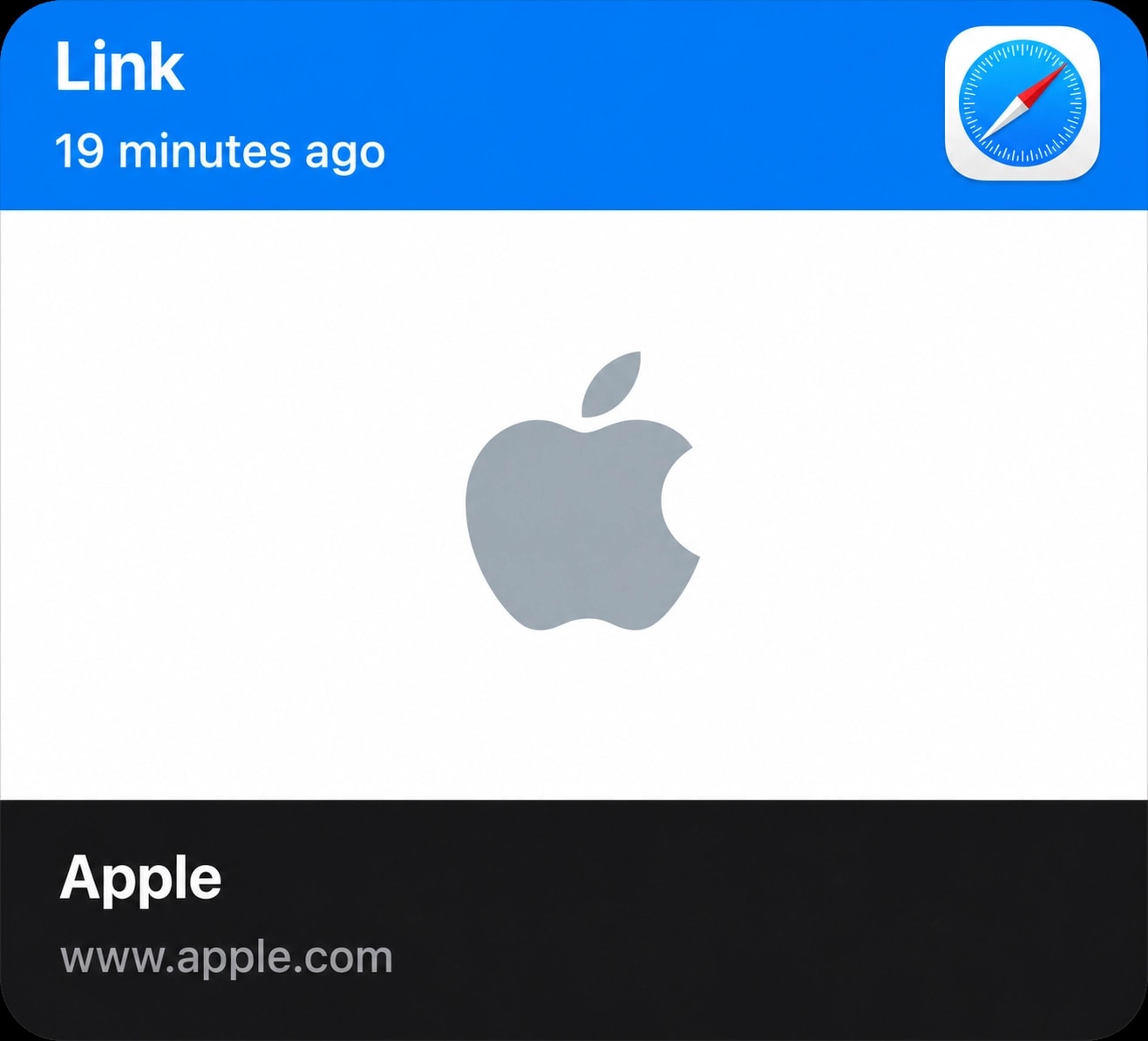
Link 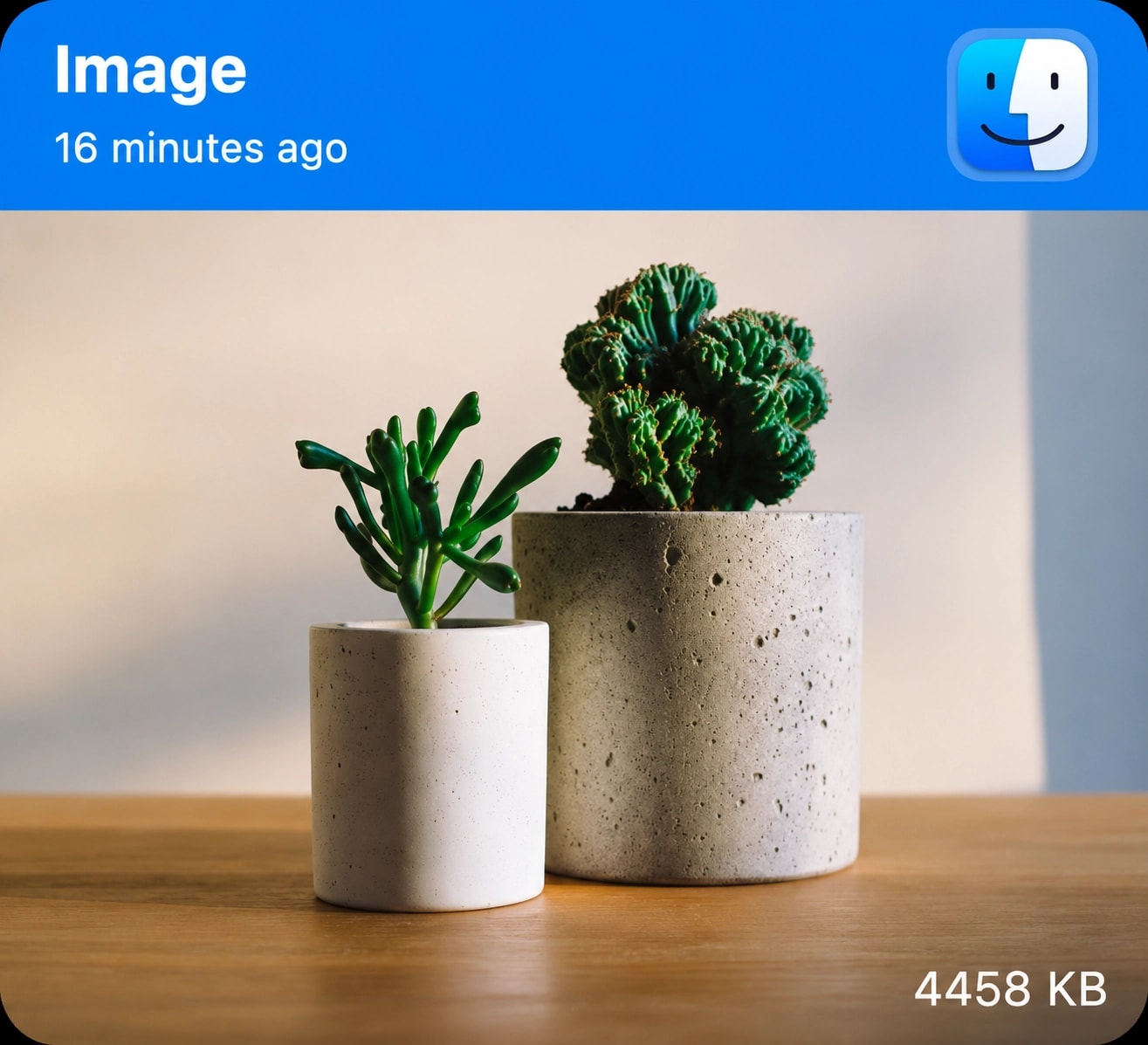
Image 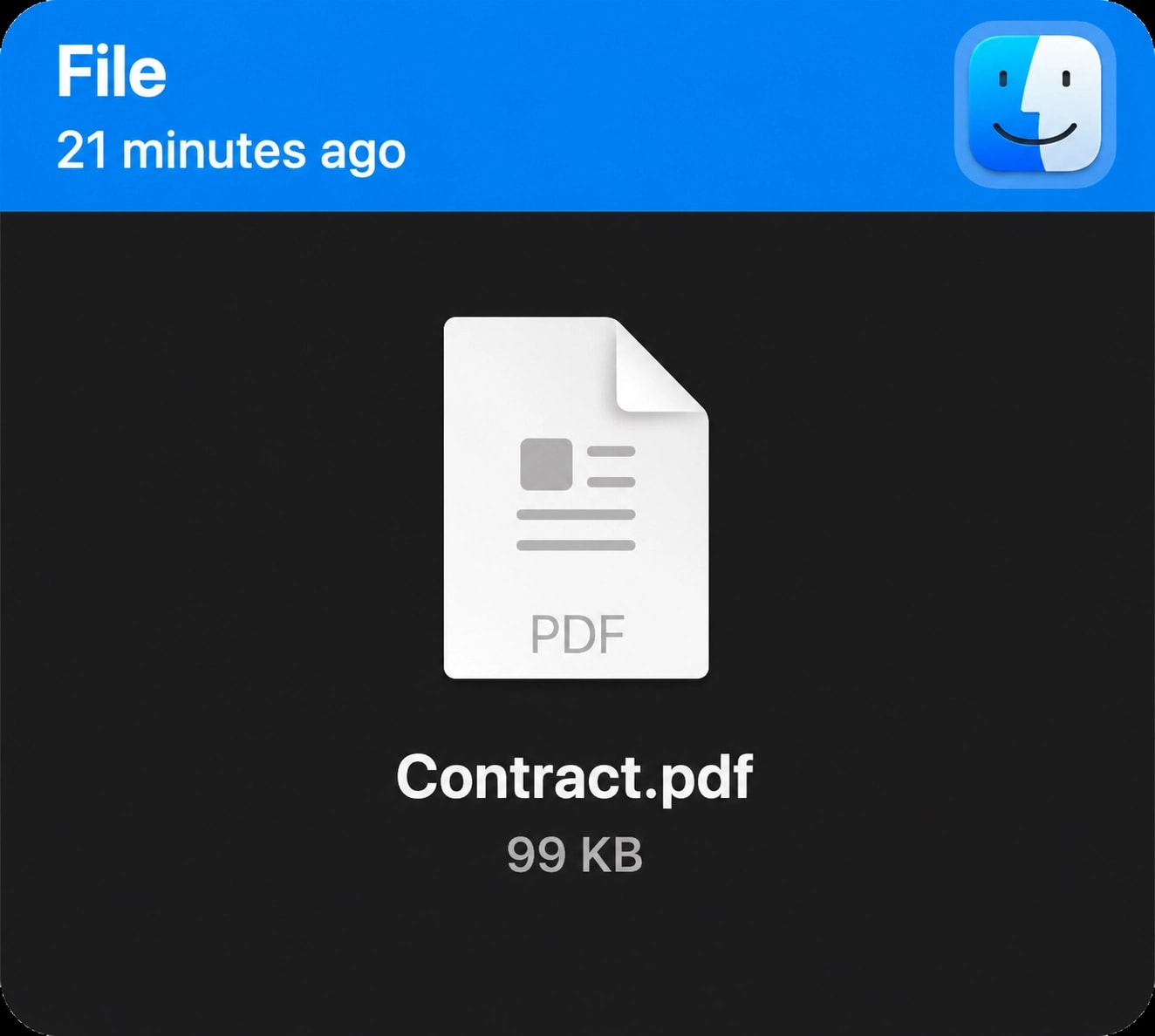
File 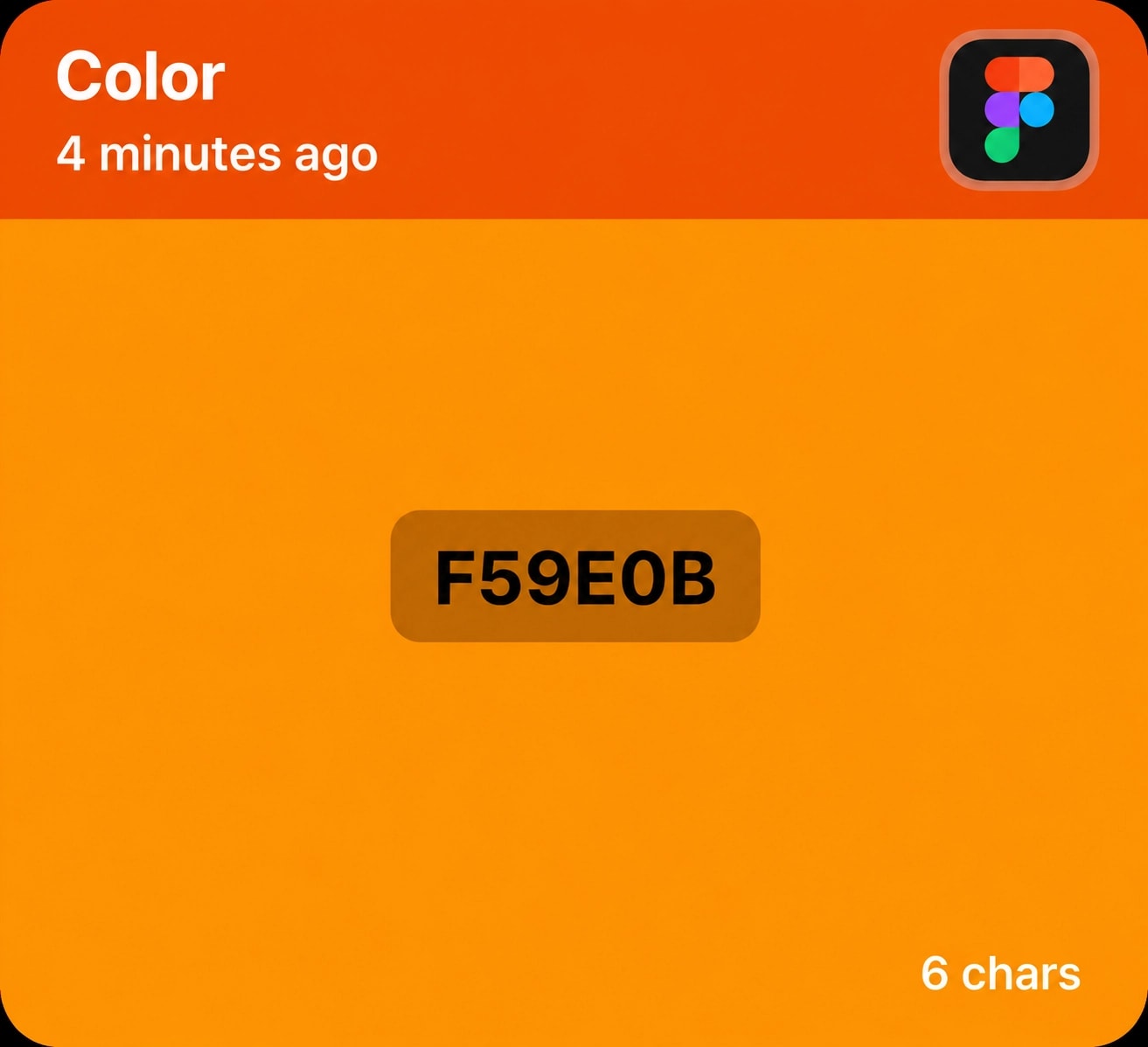
Color 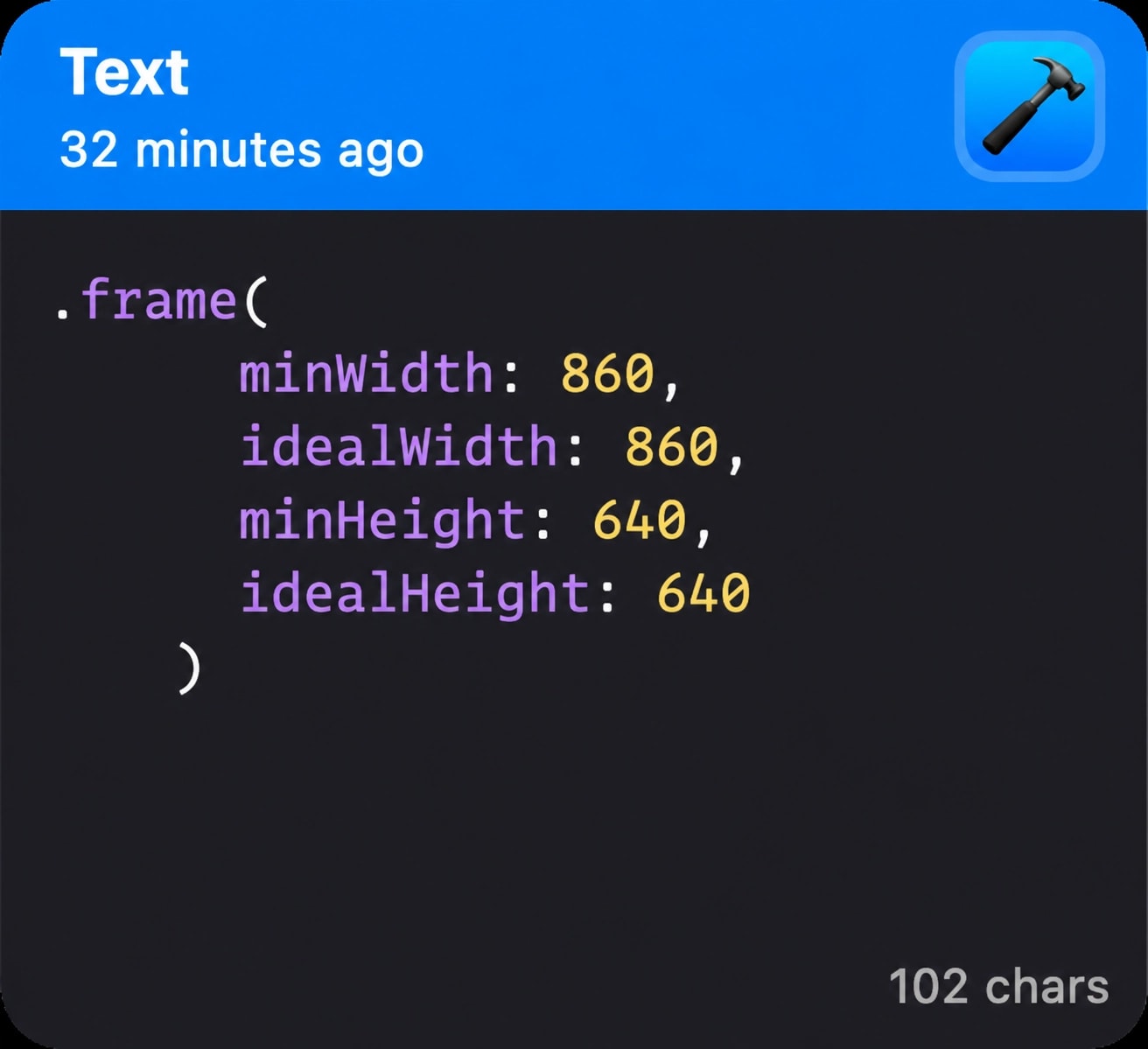
Code
Present when you need it. Invisible when you don't.
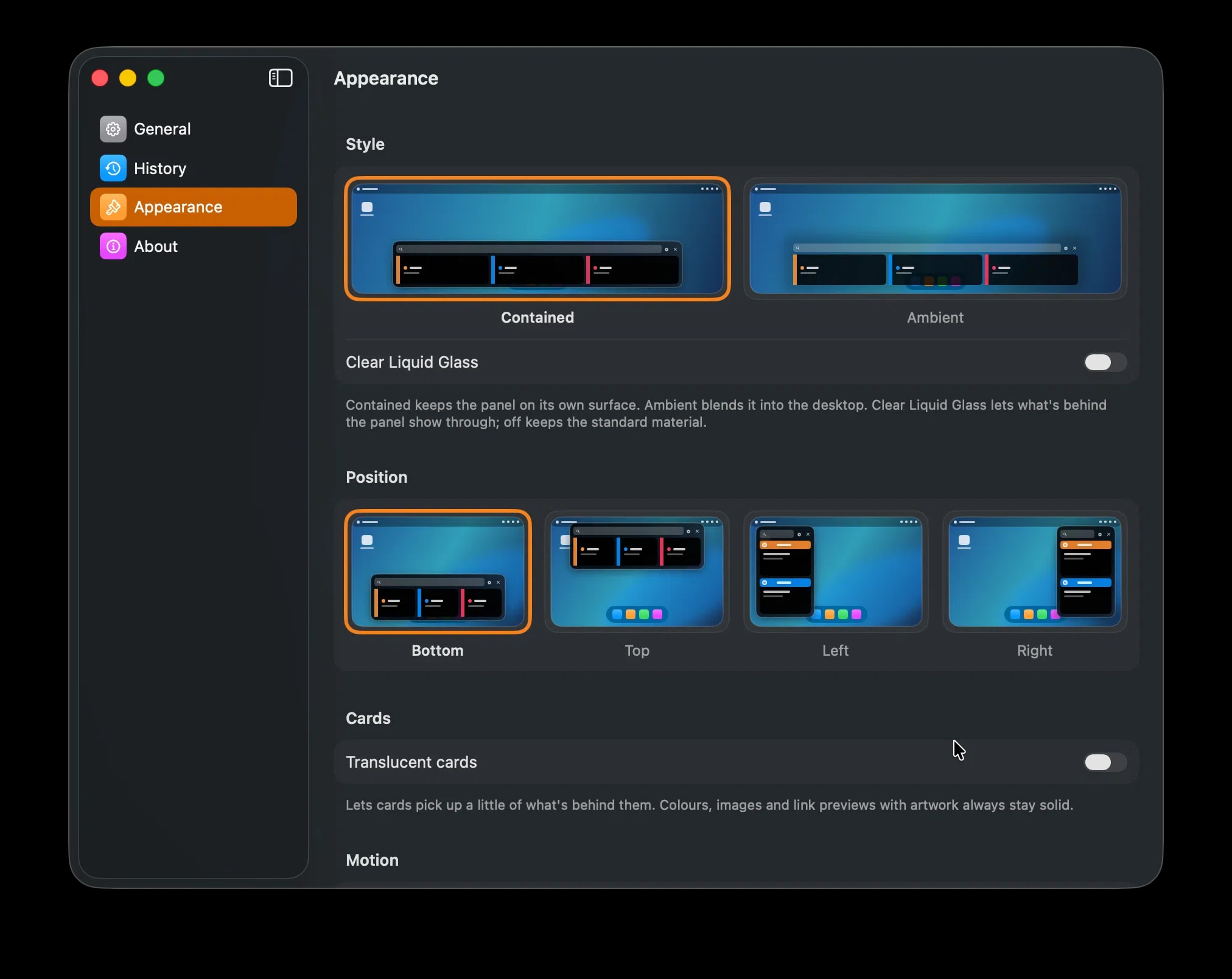
Pastely comes in two styles. Pick the one that suits how you work, then put it on whichever edge of your display you reach for.
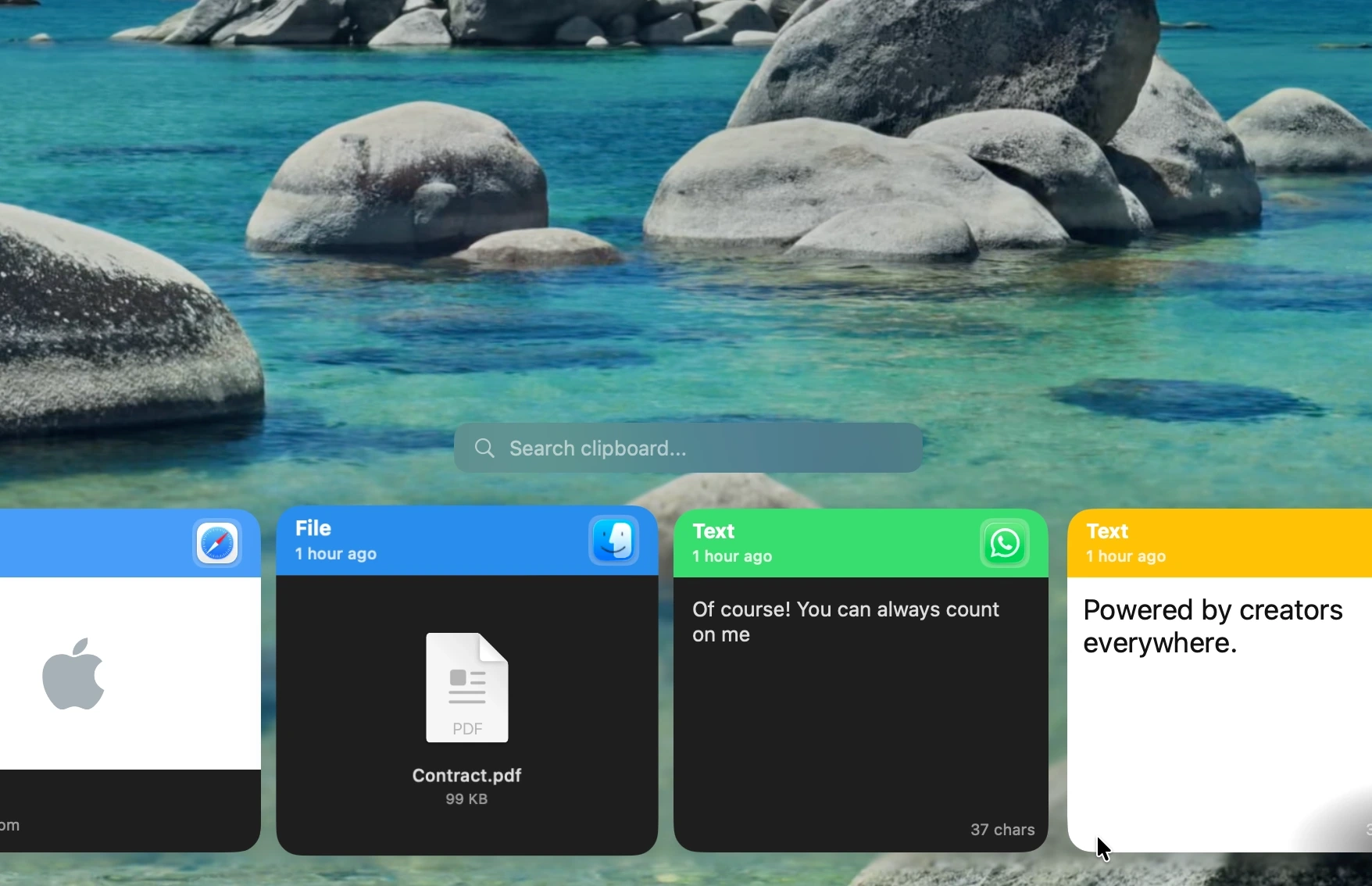
Ambient
Blends the panel into the desktop, so Pastely reads as part of the screen rather than something sitting on top of it.
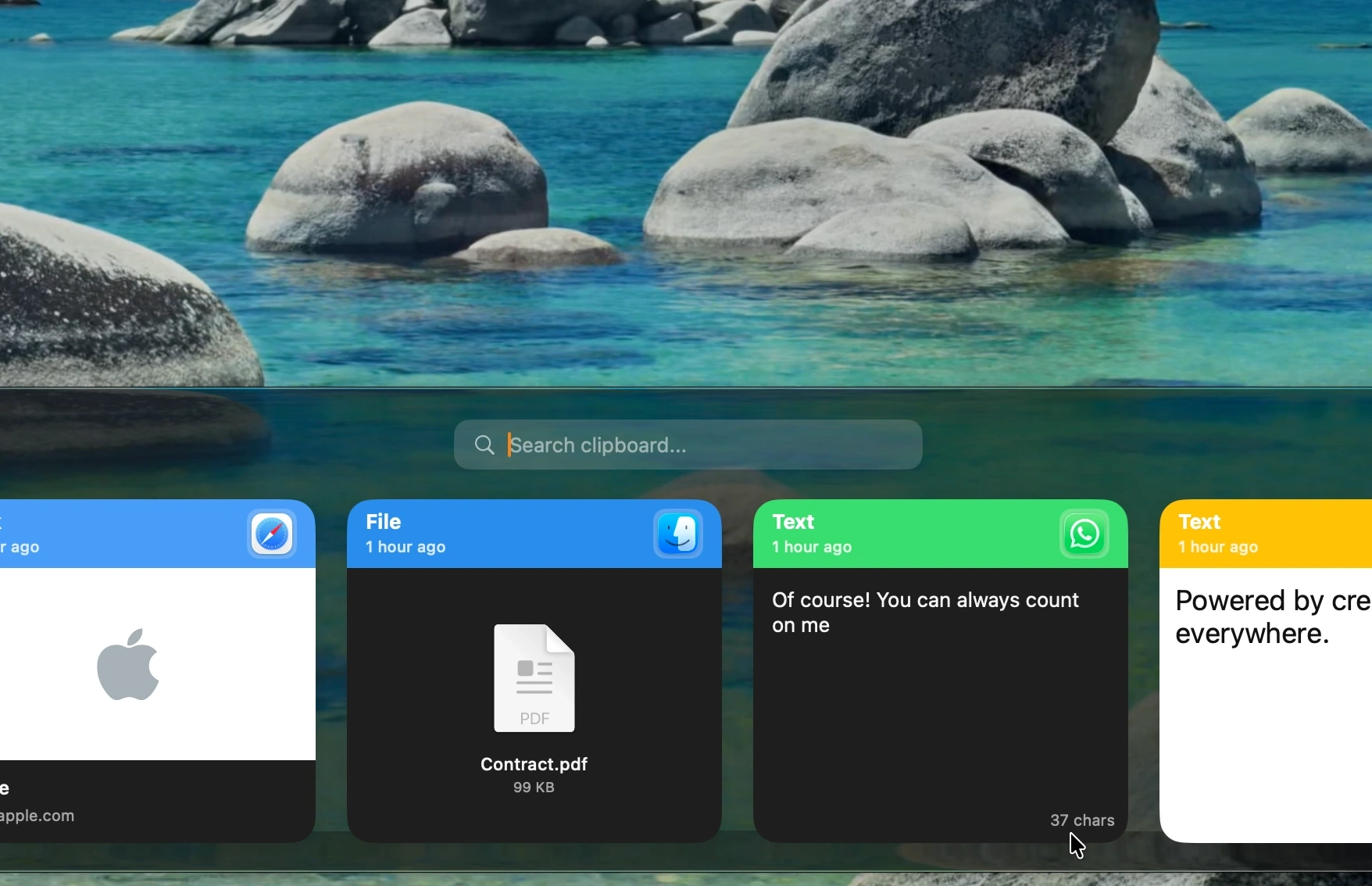
Contained
Keeps the panel on its own surface, for when you would rather Pastely stood clearly apart from your work.
Every edge of your display.
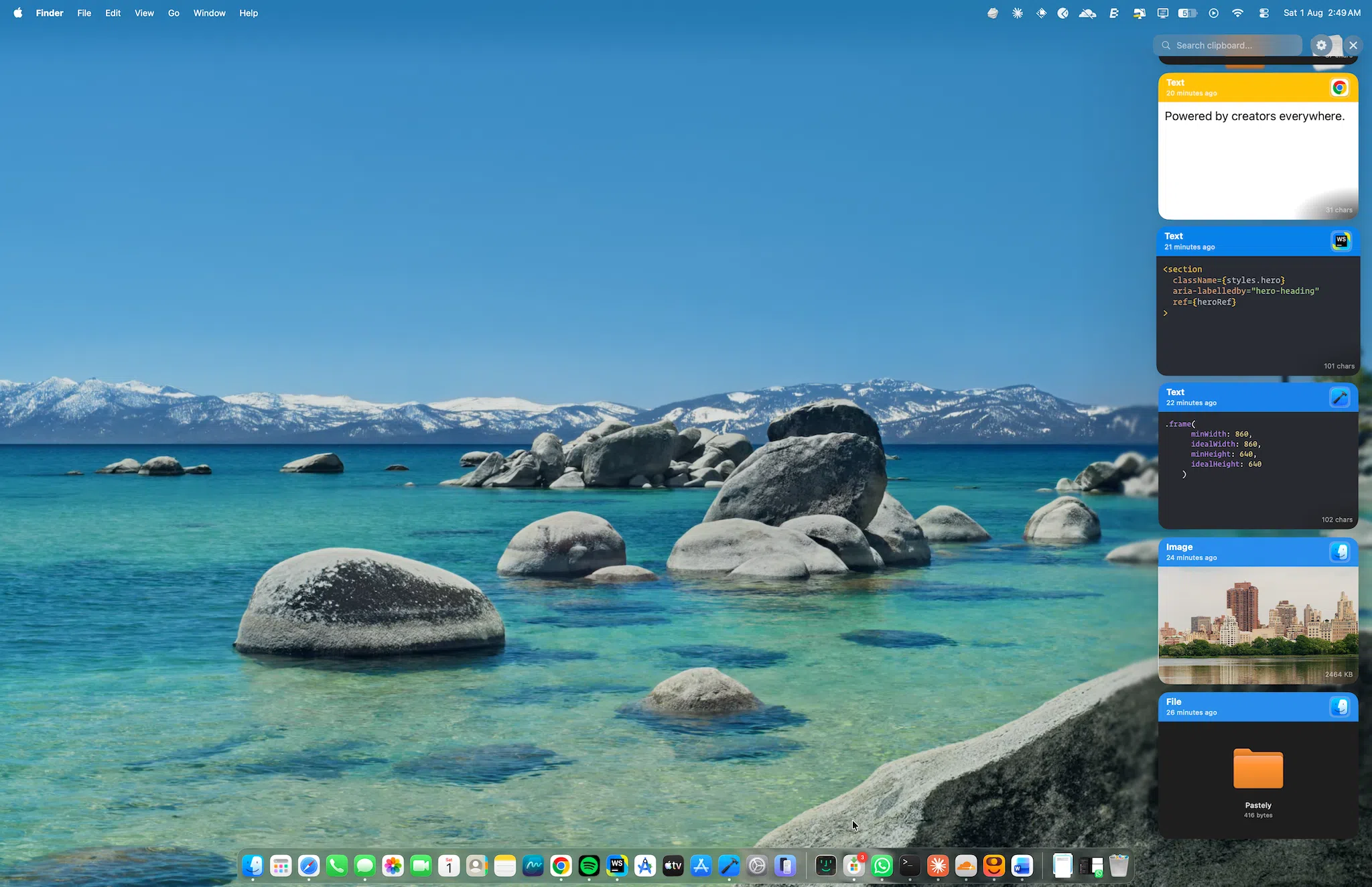
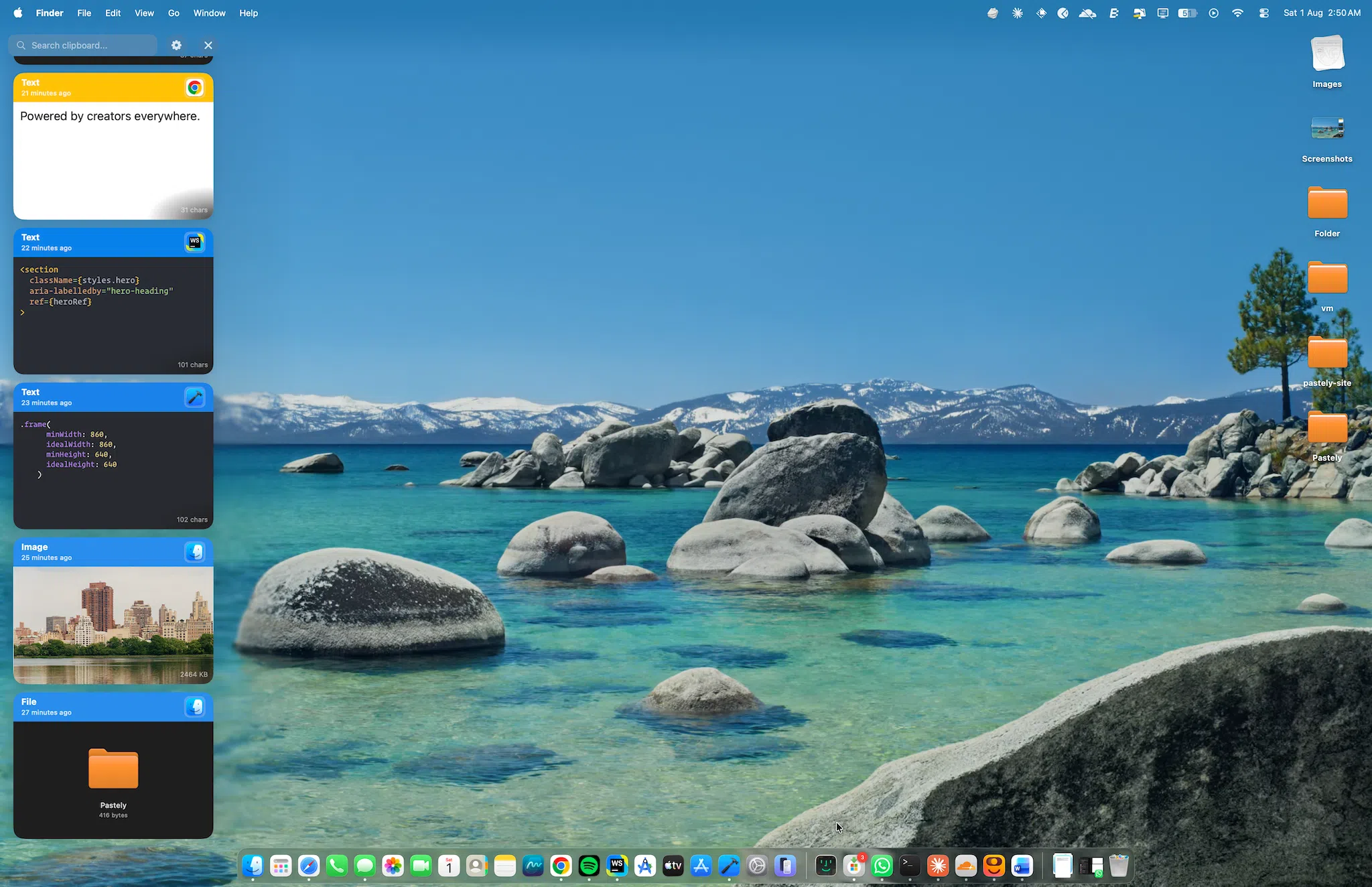
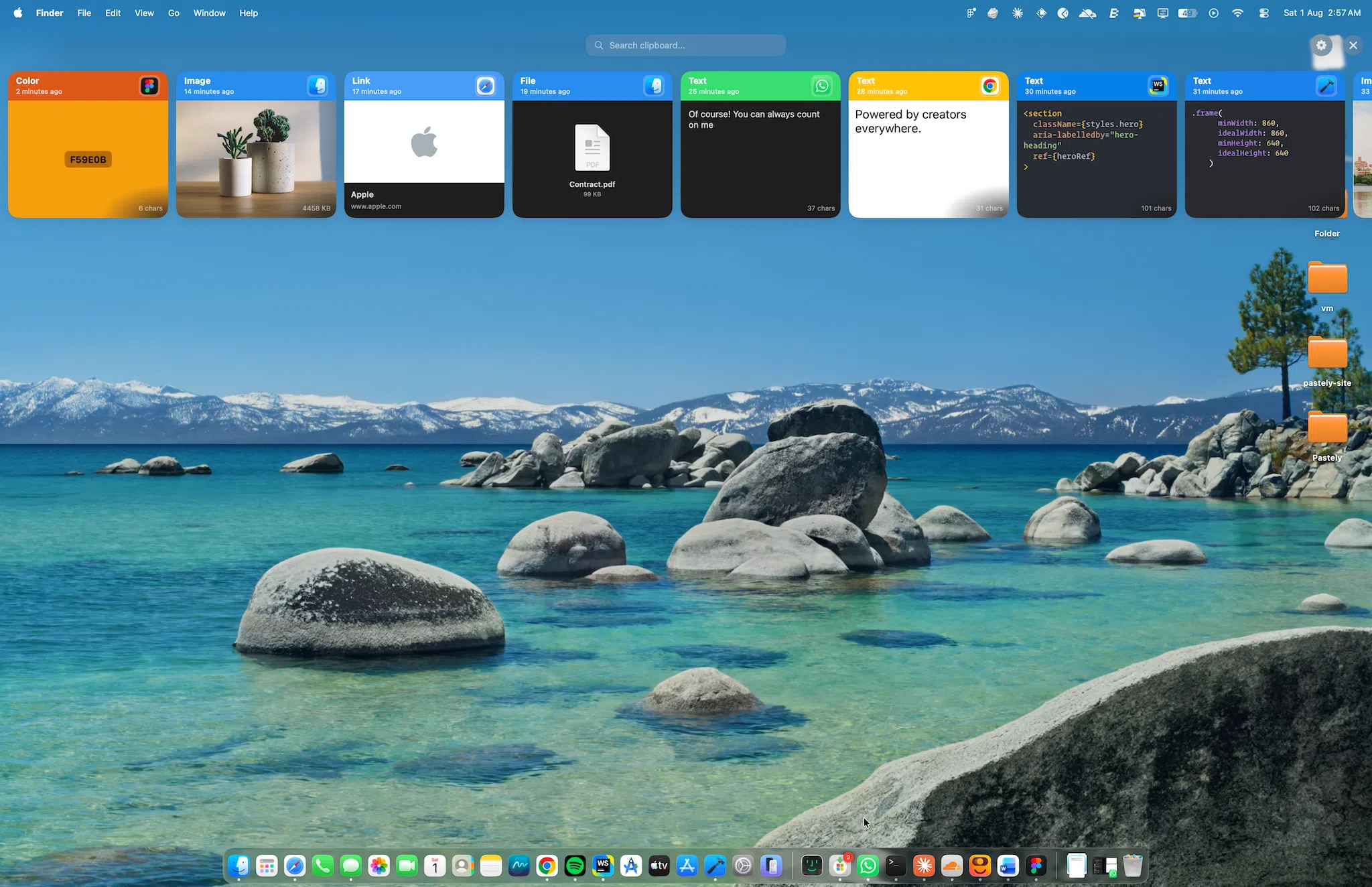
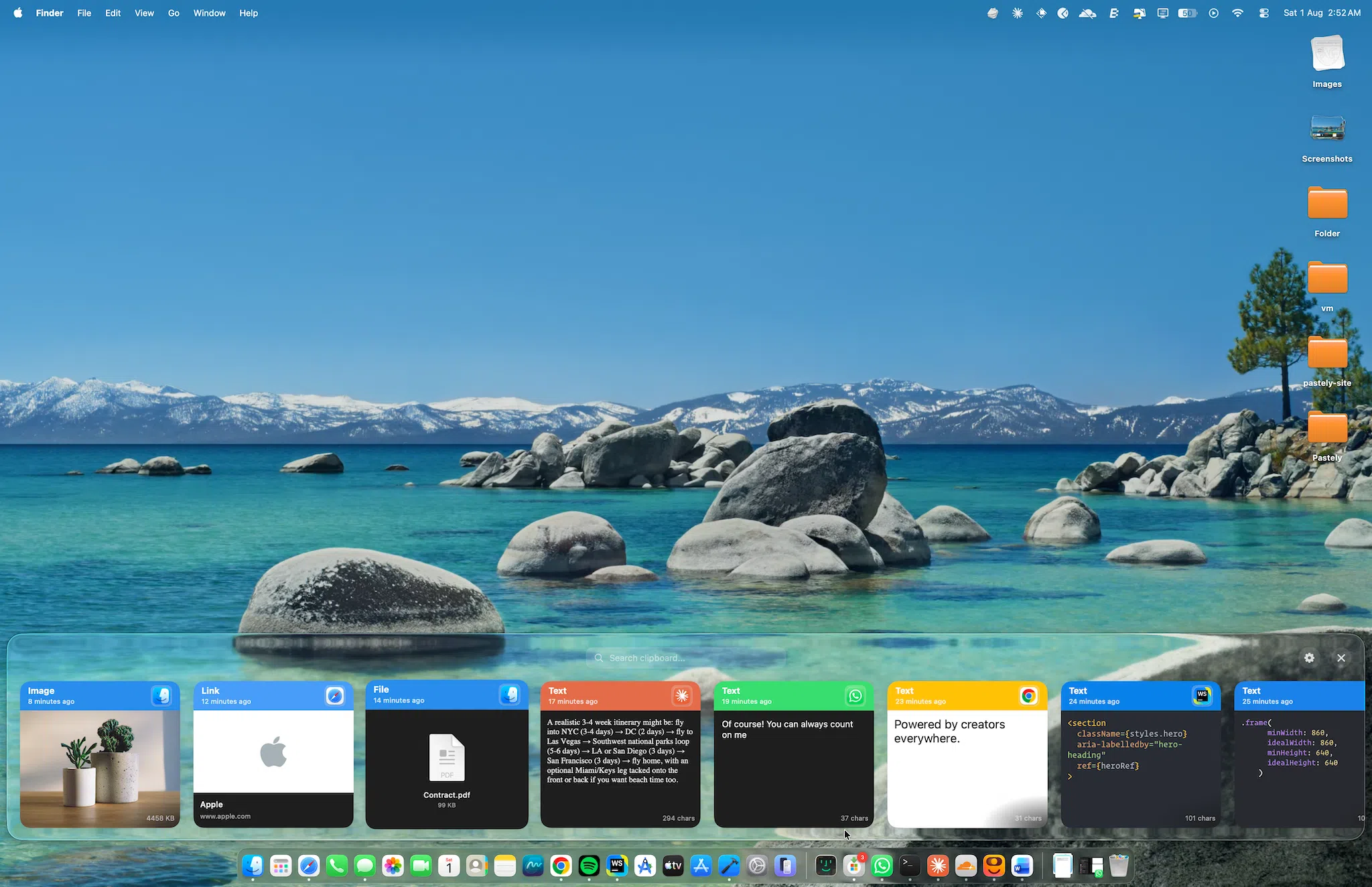
Wherever you put it, Pastely stays a glance away. Shown here in the Ambient style. Contained sits on the same four edges.
- Right
Along the right edge, beside whatever you're working in.
- Left
Mirrored to the left when your workspace leans the other way.
- Top
Across the top, a short reach from the menu bar.
- Bottom
Along the bottom, close to the Dock and out of your sightline.
Everything you copied, one search away.
Start typing and the list narrows as you go, whether you're searching text, links, images or files.
Keyboard-first. Mouse-friendly.
Every part of it is a setting.
Where it appears, how it looks, how it arrives, and the keys that summon it.

Your clipboard belongs to you.
Pastely keeps your history on your Mac. Your copied content is not used for advertising, profiling or training. Because Pastely is open source, you don't have to take that on trust.
Good to know.
Nothing. Pastely is free and open source, so you can read exactly how it works and change it if you want to.